
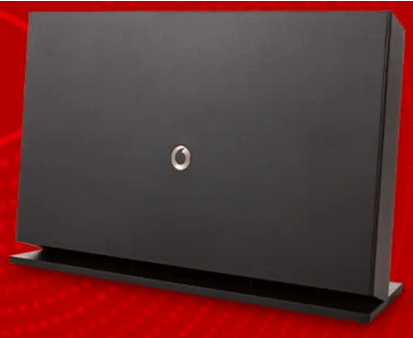
During a recent firmware upgrade to my Vodafone Broadband Fibre Router, changes were made to allow for the use of Artificial Intelligence (AI) to select the ‘best’ Wi-Fi channel to use. All well and good, you might say, but what about if the AI channel selected suddenly causes issues?
There must be a way of manually selecting another Wi-Fi Channel to overcome any issues. Well there was, that is until the same firmware upgrade also took away the ability to for the end-user to manually change to another Wi-Fi channel!
Currently, my Vodafone Broadband Fibre Router’s AI has selected Wi-Fi channel 11 as the best to use.
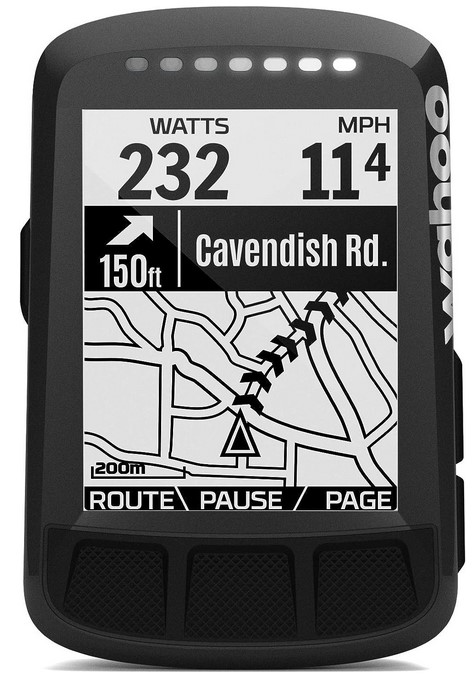
I have used a Wahoo Bike Computer for a number of years, which has worked fine with my previous ISP—BT’s Broadband Router and with the new Vodafone Broadband Fibre Router’s prior to the AI upgrade.
It turns out that the Wahoo Bike Computer is a USA developed product and only works with Wi-Fi channels 1–9! So how am I supposed to connect now for syncing and updates if I can’t set my Vodafone Broadband Fibre Router to another Wi-Fi channel?
I spoke to both Wahoo and Vodafone support, here are no plans at Wahoo to change their 1-9 Wi-Fi channel ability. At Vodafone, there seems no clear understanding of what impact this ‘AI’ implementation has caused me, one suggestion was that I should move my ‘device’ closer to the router! They did suggest that I do a full reboot of the router, which I did and now the router is using channel 13! Still no good to me.
In the meantime, I am using my neighbours (with their permission) to sync my Wahoo Bike Computer, they (the neighbours) use a different ISP using Wi-Fi Channel 6, it connects with no issues from over 5 meters away.
Watch this space!

 Beasley's Place